

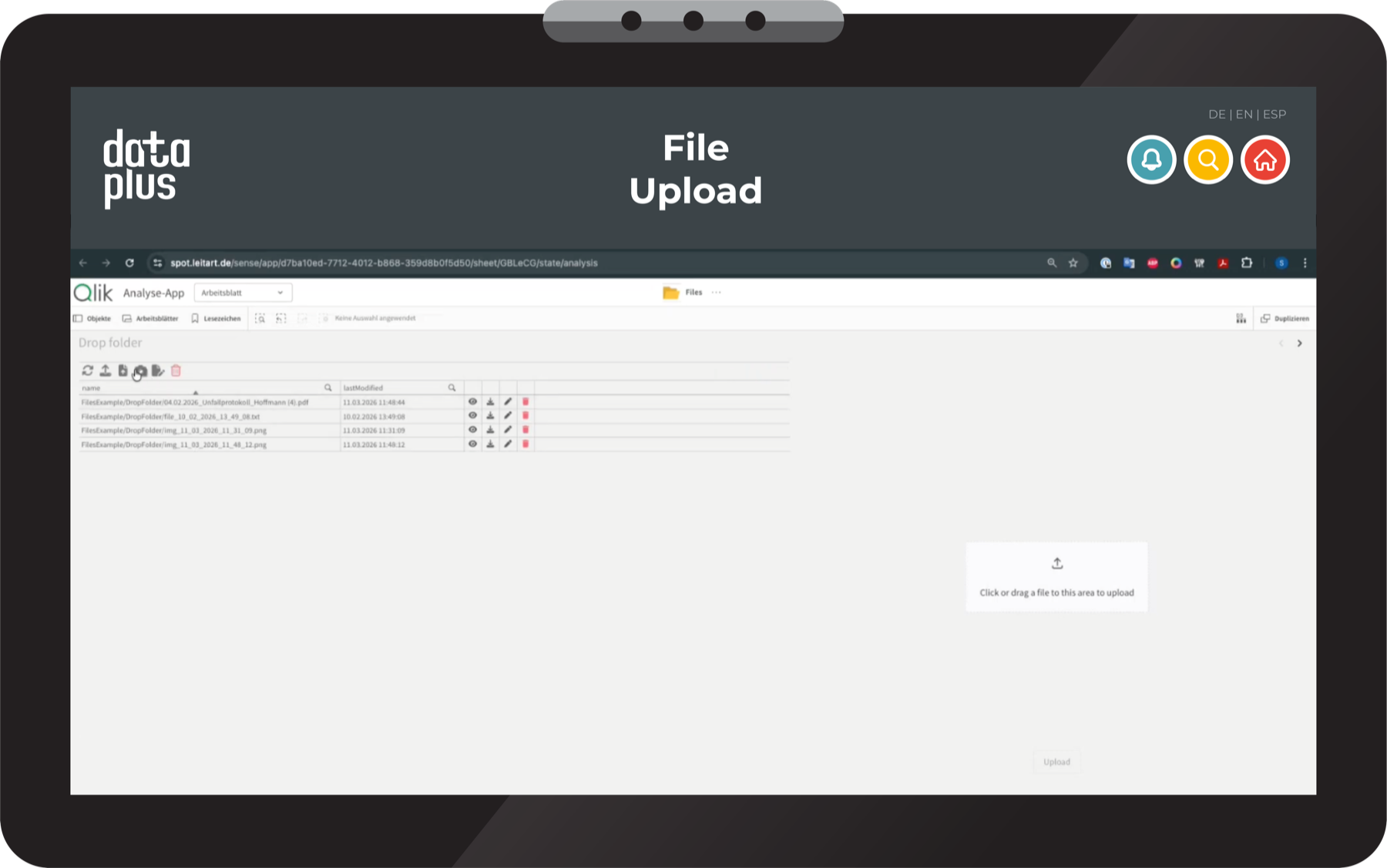
Upload, validate and process files directly in Qlik — without a detour through external tools.

Excel file exported, adjusted, imported again — but where to? When planning data has to leave Qlik and travel through spreadsheets just to flow back in, the process is broken. We close the loop directly in Qlik.
This is how the upload works — directly in Qlik, without switching systems.
With data+ Flow, users upload an Excel or CSV file — straight from the Qlik interface. The columns are mapped to the database fields automatically. The upload starts at the push of a button, without switching systems.
Before data is written to the database, the flow checks whether IDs already exist. The user decides: overwrite or discard. Locked entries are detected and excluded — no accidental overwriting of planned values.
The upload flow adapts to the process — which columns are imported, which fields are mandatory, which IDs serve as keys. Configured once, the process is available to every user.
Structured upload, automatic validation and controlled writing add up to a process that scales — whether five or five hundred rows, once a month or daily.
Data flows in, is validated and written back — without media breaks, without version chaos, in action.
Whether a standardized process or an individual challenge — our team adapts quickly to new situations and allocates resources the right way. Initial conversation, no obligation.